Palf Rayveil
Adjustable light rays spreading from the bright parts of a layer.
Adjustable light rays spreading from the bright parts of a layer.
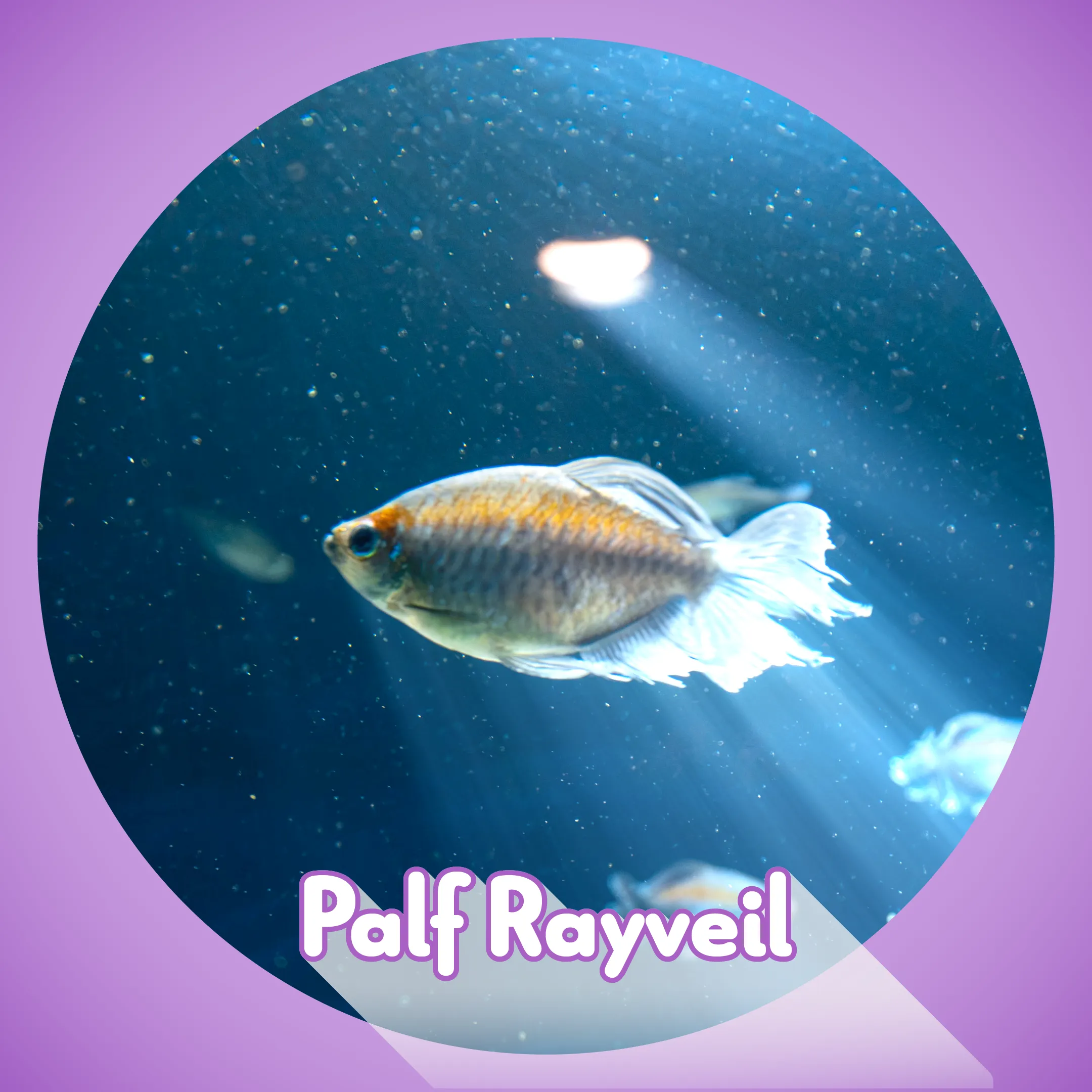
Palf Rayveil is an After Effects effect that generates adjustable light rays from the bright parts of a layer. Choose a source, shape the rays with Direction and Spread, colour them with a gradient or a spectrum, and composite them over the source image.
Apply from: Effect > Palf > Palf Rayveil
Features
- Source: Luminance, Alpha, Red, Green or Blue
- Centre, Length, Intensity, Threshold, Threshold Softness and Falloff
- Direction: Outward, Inward or Both, shaped with Spread
- Colour with a five-slot gradient or a spectrum
- Mask, Occlusion Layer and light wrap
- Shimmer: Amount, Detail, Phase, Seed and Stability
- Noise: Grain, Spray or Coverage, with animation
- Add or Screen compositing, with Draft, Standard or High quality
DEMO edition
A free DEMO is also available. It offers the same controls as the full edition, with a red cross watermark on every output frame. The effect appears as “Palf Rayveil DEMO” and can sit alongside the full plug-in.
Changelog
- Initial release
- Source: Luminance / Alpha / Red / Green / Blue
- Centre, Length, Intensity, Threshold, Threshold Softness and Falloff
- Direction: Outward / Inward / Both, with Spread
- Five-slot gradient or spectrum colouring
- Mask, Occlusion Layer and light wrap
- Shimmer and Grain / Spray / Coverage noise
- Add / Screen compositing, with Draft / Standard / High quality
- UI localised in English, Japanese, Simplified Chinese and Korean