Palf Scallop
One- or two-sided scalloped alpha trims for clean transitions.
One- or two-sided scalloped alpha trims for clean transitions.
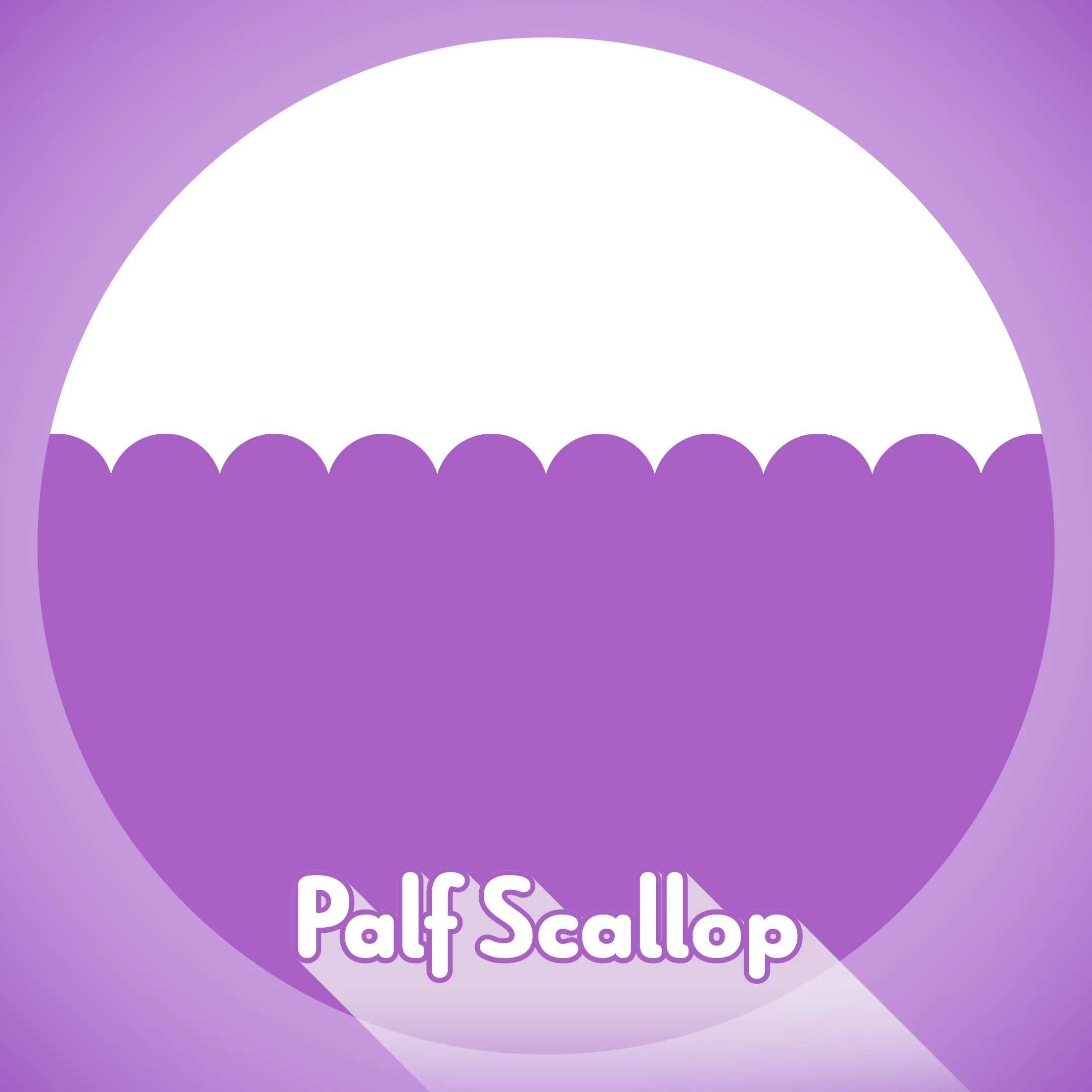
Palf Scallop trims a layer’s alpha with a repeating circular scallop edge. It is designed for clean one-sided wipes and two-sided opening transitions without colouring, drawing or displacing the source image.
Apply from: Effect > Palf > Palf Scallop
Features
- One-sided and two-sided scalloped alpha transitions
- Completion has dependable endpoints: 0% leaves the layer unchanged and 100% removes it completely
- Clean circular scallop edges
- Adjustable period, depth, centre, orientation and phase
- Interlocking or aligned two-sided edges
- Straight-alpha RGB preservation at transparent and antialiased pixels
DEMO edition
A free DEMO is also available. It offers the same controls as the full edition, with a red cross watermark on every output frame. The effect appears as “Palf Scallop DEMO” and can sit alongside the full plug-in.
It is also included in the Kawaii Bundle.
Changelog
- Initial release
- One-sided and two-sided scalloped alpha transitions
- Completion: 0% unchanged, 100% fully removed
- Size, Depth, Centre, Angle, Offset, Symmetric and Invert