Squircle
A genuinely smooth rounded rectangle, applied straight to a shape layer.
A rounded rectangle whose curvature actually changes smoothly.
01 / 02
A preset that builds a squircle — a smooth rounded rectangle.
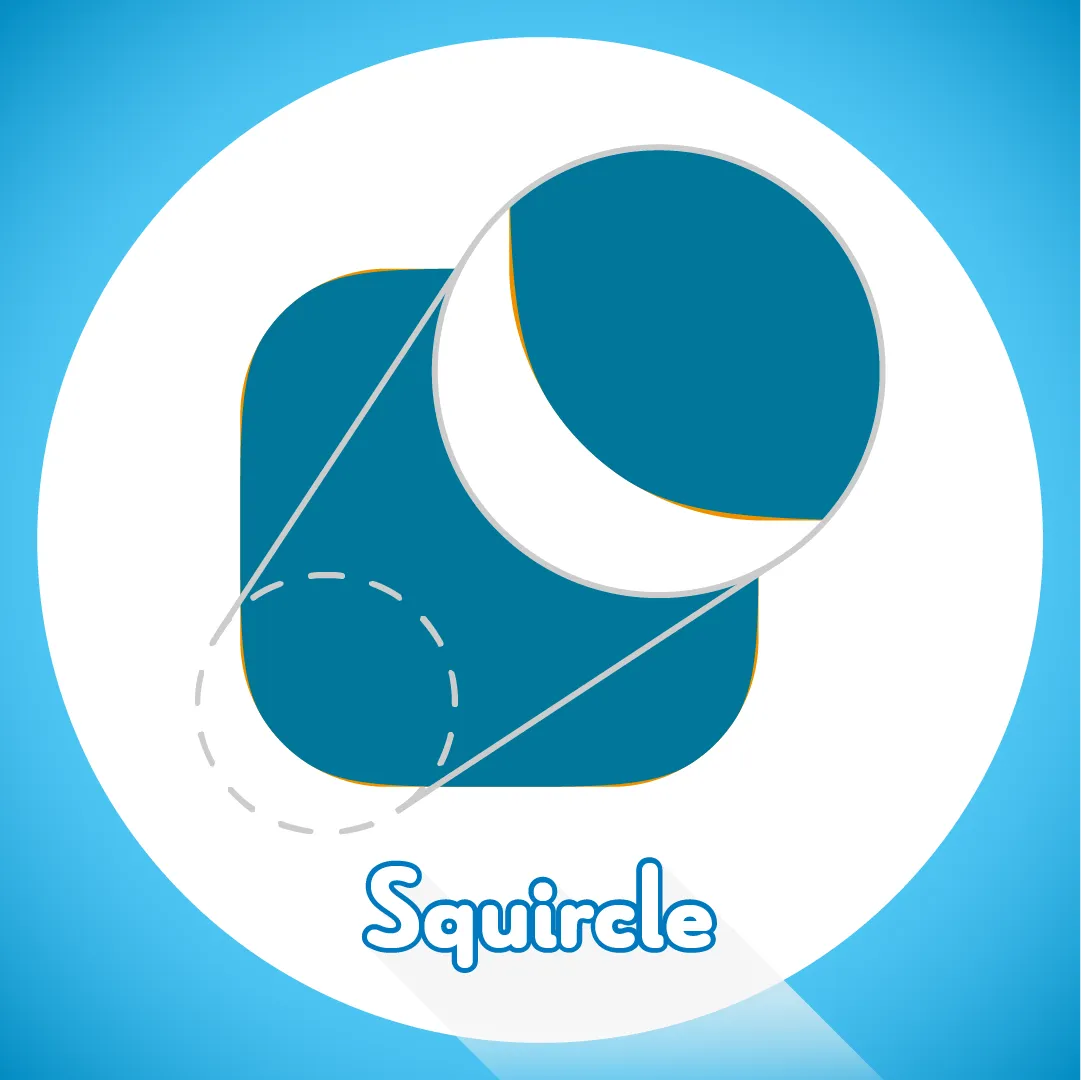
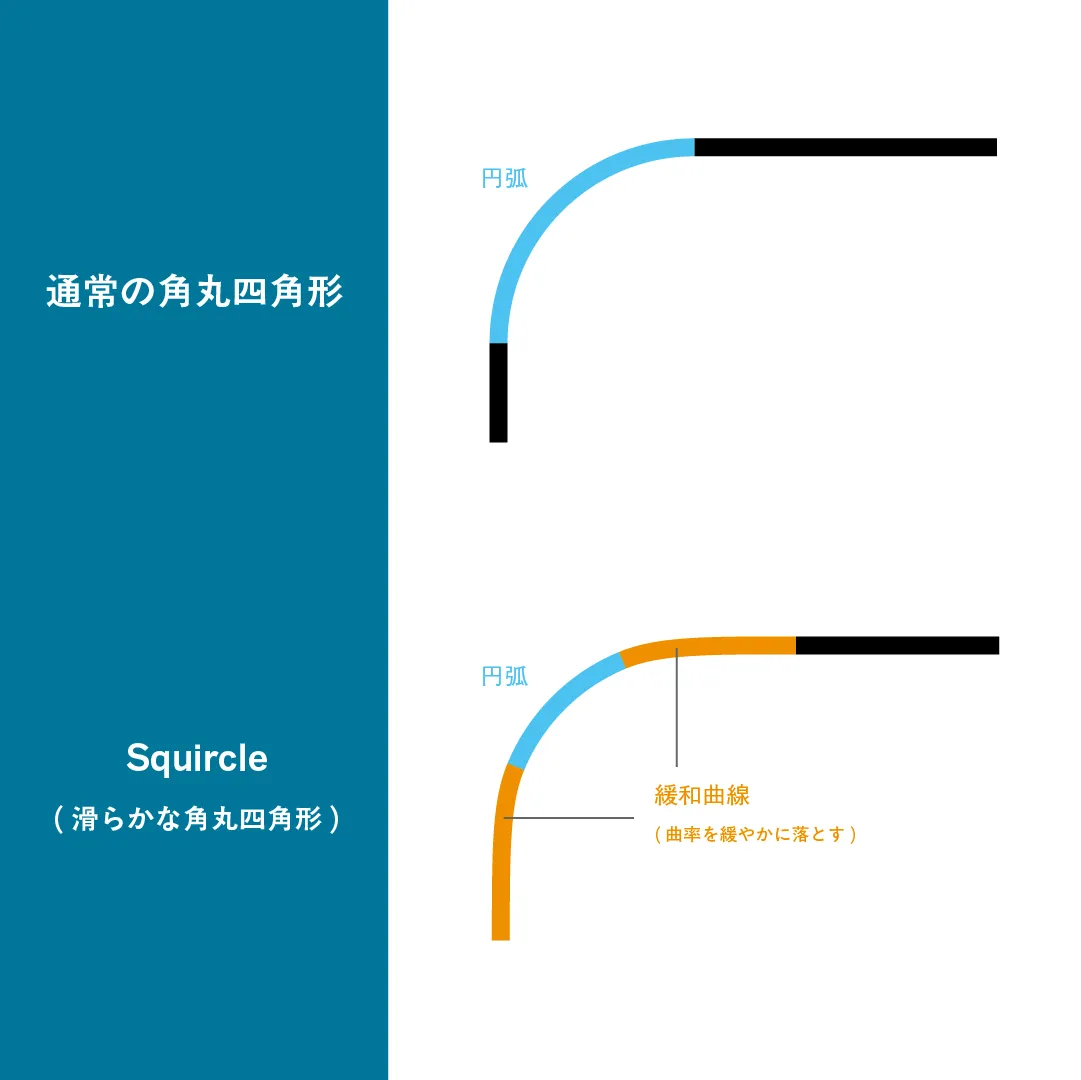
Unlike an ordinary rounded rectangle, a squircle inserts a curve of smoothly changing curvature between the constant-curvature arc and the straight edge, which makes the corner read as genuinely smooth.
Installation
- Put the preset in the User Presets folder.
- Windows:
C:\Users\[username]\Documents\Adobe\After Effects 20xx\User Presets - macOS:
Documents/Adobe/After Effects 20xx/User Presets
- Windows:
- Create a new shape layer.
- Find “Squircle” in Effects & Presets and apply it to the shape layer.
Properties
- Width / Height
- Corner Radius
- Corner Smoothing — the smoothing proportion (0%: an ordinary rounded corner, 100%: no arc at all)
- Fill Colour / Line Colour / Line Width