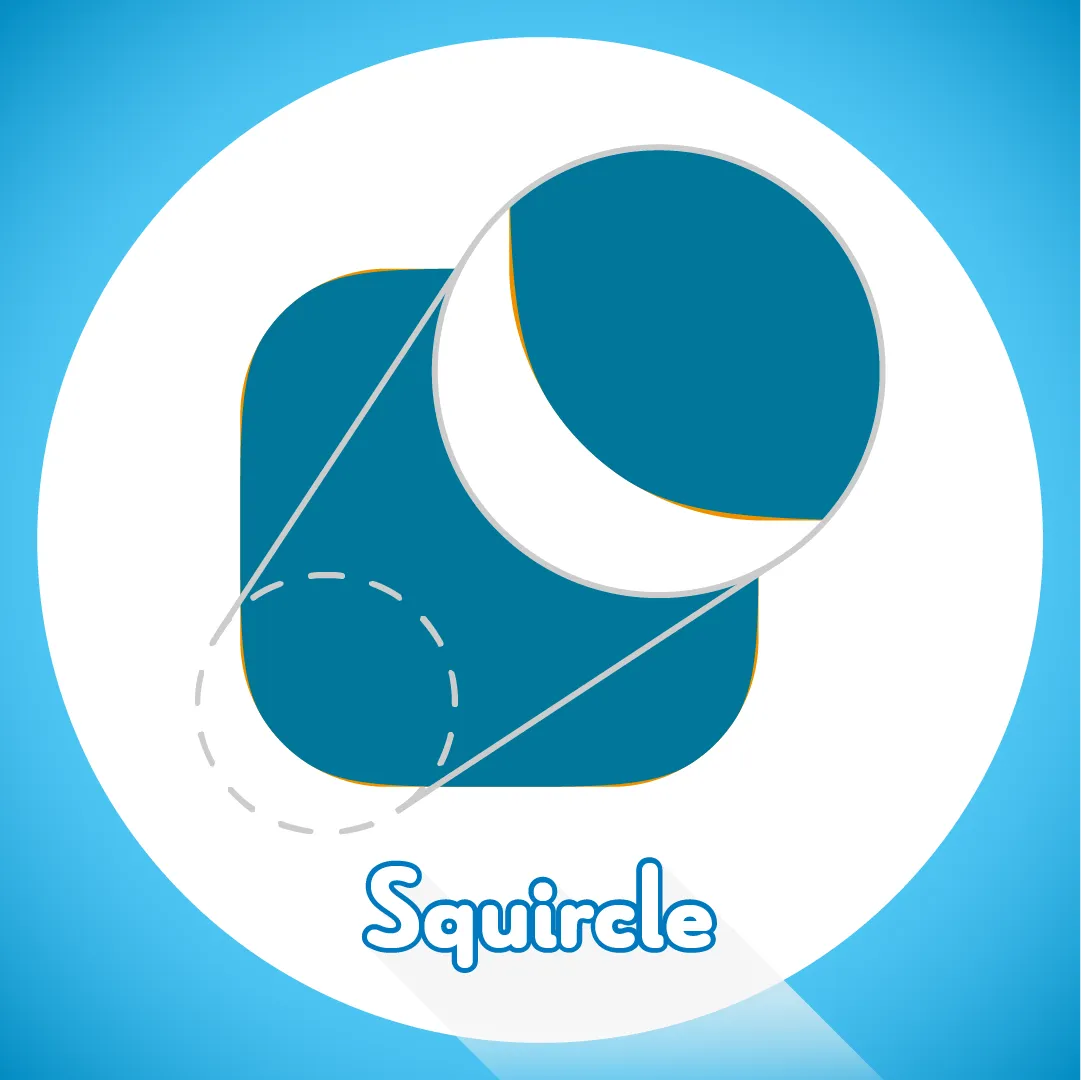
Superellipse
From circle to rectangle by changing one exponent. A superellipse preset.
From circle to rectangle by changing one exponent.

A preset that builds a superellipse. Apply it to a shape layer.
Installation
- Put the preset in the User Presets folder.
- Windows:
C:\Users\[username]\Documents\Adobe\After Effects 20xx\User Presets - macOS:
Documents/Adobe/After Effects 20xx/User Presets
- Windows:
- Create a new shape layer.
- Find “Superellipse” in Effects & Presets and apply it to the shape layer.
Properties
- Width / Height
- n — the exponent of the approximated superellipse (2 gives a circle)
- Fill Colour / Line Colour / Line Width